Ledgerbound on Steam Deck
Playable, not Verified — treat the left trigger like a right-click.
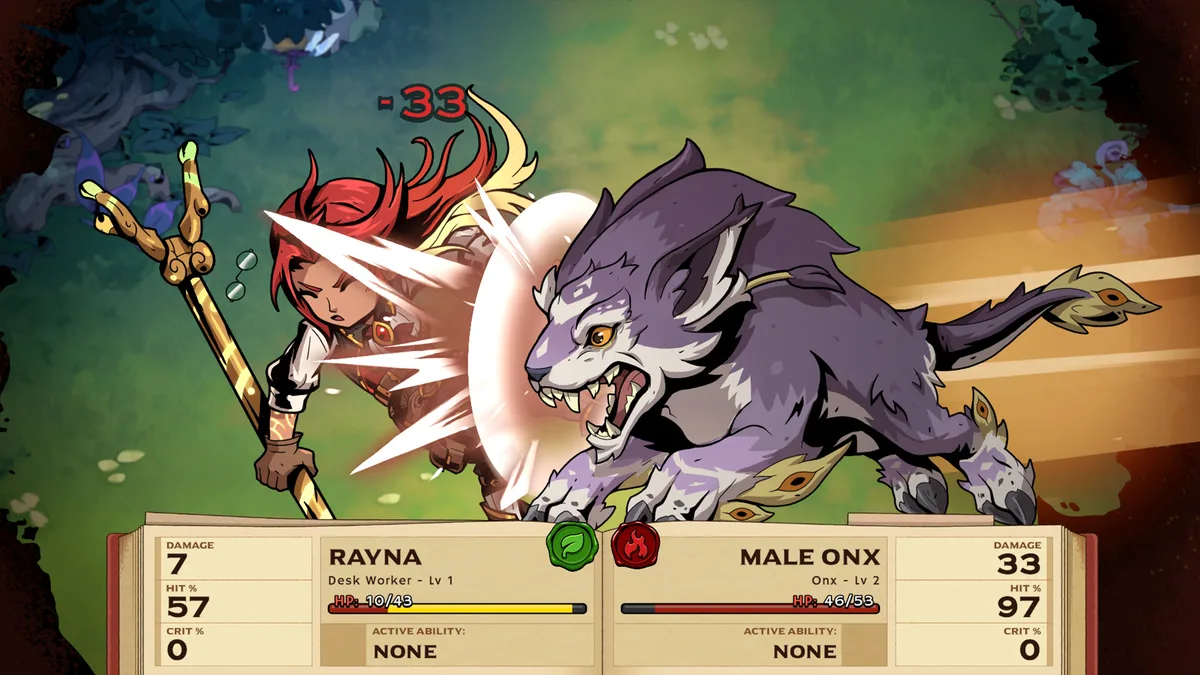
Ledgerbound is a Steam Windows and macOS release. It is not Steam Deck Verified as of launch week. ProtonDB still lists Deck status as unknown. That does not mean the game refuses to boot. It means Valve has not signed the UI, glyphs, or input map. This page collects what previews and launch notes actually said so you do not discover the action wheel with a cat on the trackpad and a single autosave.
Official platform facts
| Fact | Detail |
|---|---|
| Store platforms | Windows, macOS |
| Deck Verified | No badge at launch |
| Controller | Store lists full controller support; reviews prefer Xbox layout |
| Action wheel | Right-click on mouse, left trigger on Deck |
| Cloud | Steam Cloud copies the one save |
| Storage | 20 GB plus patch headroom |
Phenixx Gaming’s review copy only accepted a pad when it was in Xbox mode. A DualSense or Switch-layout dongle that can flip protocols should be set to XInput before you blame the game. Controls stays the master input page; this one is handheld-specific.
Why the action wheel fights the Deck
SmashPad’s GDC 2026 hands-on is still the clearest Deck warning. Unique abilities live on a wheel you open by right-clicking a unit. On Deck that is the left trigger. Doing everything on the touch screen made wrong moves easy, and once a turn progressed far enough the demo would not let you take the action back. Ledgerbound’s retail rewind may still exist, but launch reviews also describe an autosave that will happily file the mistake.
Practical Deck habits:
- Use the physical left trigger for the wheel, not a tap on the portrait.
- Slow the cursor in Steam OS quick settings before the first Vacari map.
- Raise UI scale if camp menus clip. Festival builds already had Deck UI quirks.
- Prefer a Bluetooth Xbox pad if the built-in sticks feel twitchy on stamp maps.
Battery life is unofficial. Treat a Resterlude-heavy evening as moderate load, not as a film you can watch at 6 W.
Saves, freezes, and handheld risk
GDC demo notes also mention a book that opened and turned pages forever during dialogue — on Deck, in two different demo builds. Launch reviews still report conversation freezes. On a handheld, that is worse: you are more likely to suspend mid-scene. Do not sleep the Deck in the middle of a conversation. Finish the line, return to camp or a map, then suspend. If a scene already froze, verify files on the docked desktop if you can, then reload once. Cloud will happily sync a skipped scene to the living-room PC.
Performance expectations
Minimum Windows specs start at a GTX 750 Ti-class GPU and 8 GB RAM. The Deck’s APU is in that conversation for 800p low, not for 1200p max. Lock 30 or 40 FPS in per-game profiles if the action wheel animation stutters. System Requirements lists the desktop tiers; there is no official Deck preset.
macOS players are on Apple Silicon, not Deck. Do not mix those threads in Discord.
Should you play the first week on Deck?
If you already finished a desktop prologue and only want camp reading on the couch, Deck is reasonable with a pad. If this is your first file, start on a monitor. Learn A.R.T.E. and the wheel where a mis-tap does not cost a romance evening. Then move the cloud file — remembering it is still one slot.
Related
- Controls — keyboard, pad, wheel.
- Saves — why a mis-tap is expensive.
- Patch Notes — future windowed modes may help desktop more than Deck.
- Official Links — Discord for Deck config shares.
Frequently Asked Questions
Quick answers for Ledgerbound players.
Is Ledgerbound Steam Deck Verified?
No. Launch week has no Verified badge. ProtonDB lists status as unknown.
What controller should I use?
An Xbox-layout pad. Review copies ignored other protocols until the device was in Xbox mode.
How do I open the action wheel on Deck?
Left trigger, the same action as right-click on mouse. Avoid doing it only on the touch screen.
Can I suspend mid-conversation?
Do not. Finish the scene first. Autosave plus a dialogue freeze is how you skip camp time.